You’ve got great content. Guests line up. But your hs podcast recording site still sounds like it was recorded in a closet with a $20 mic. Listeners click away within seconds—not because of your ideas, but because the audio screams “unprofessional.” The fix isn’t more gear. It’s smarter signal paths.
The Core Problem: Most Podcasters Treat Audio Like an Afterthought
Here’s the reality: 90% of new podcasters max out their budget on microphones and forget everything else. They plug into USB mics or laptop line-ins and wonder why their tracks clip, hum, or lack warmth. And yes—your audience *can* hear that difference, even on earbuds.
USB interfaces compress dynamics before you even hit record. Cheap preamps add noise floor hiss that ruins quiet moments. Room acoustics? Ignored. The result: inconsistent levels, muddy presence, and zero broadcast-ready polish—no matter how sharp your script is.
Build a Pro-Grade hs podcast recording site Without Breaking the Bank
Step 1: Ditch USB Mics for XLR + Audio Interface
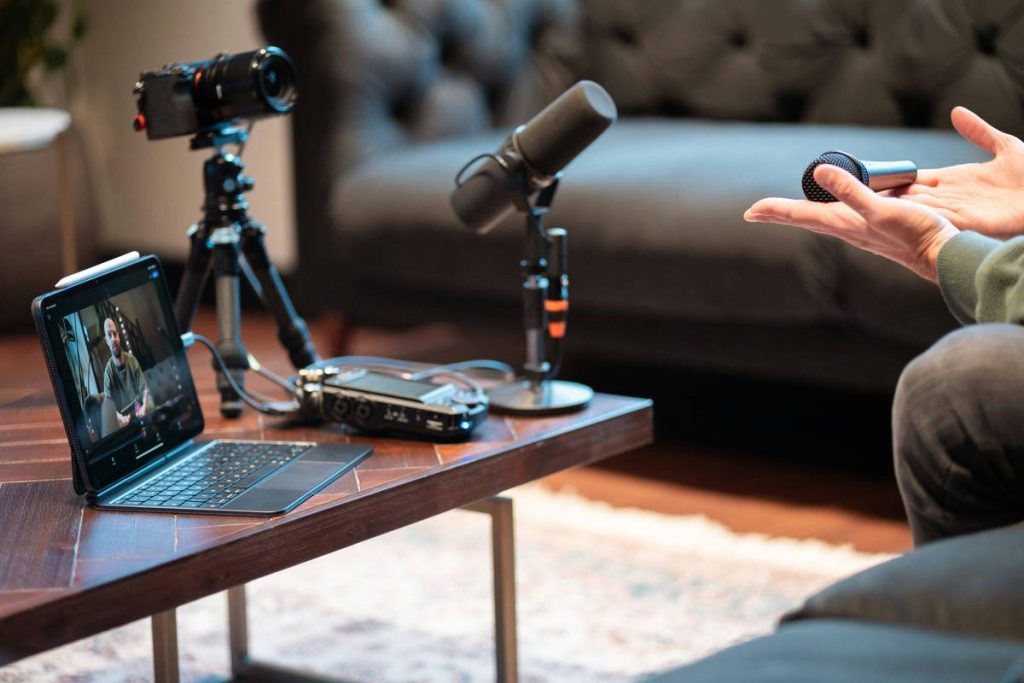
Go analog. Use an XLR condenser mic (like the Audio-Technica AT2020) paired with a dedicated interface (Focusrite Scarlett Solo). Why? Clean preamp gain staging. Full 24-bit/48kHz capture. No driver latency nightmares during monitoring.
Step 2: Control Your Acoustic Environment—Even in a Bedroom
You don’t need foam walls. Just eliminate first-reflection points. Hang moving blankets behind and beside your mic position. Record facing a closet full of clothes—it absorbs mid/high frequencies better than bare drywall. Keep mics close (6–8 inches) to minimize room tone pickup.
Step 3: Record Locally, Then Sync (Don’t Rely Solely on Cloud)
Cloud-only platforms like Zencastr or Riverside are convenient—but they compress during upload. Record local WAV files simultaneously on each host/guest machine. Sync later in post using PluralEyes or manual claps. You retain full fidelity while keeping remote flexibility.
| Setup Type | Upfront Cost | Audio Quality | Post-Production Effort |
|---|---|---|---|
| USB Mic Only | $50–$150 | Poor (limited headroom, embedded compression) | High (noise reduction needed) |
| XLR Mic + Interface | $200–$400 | Excellent (clean, dynamic range intact) | Low (minimal cleanup) |
| Cloud Platform Only | $0–$20/month | Fair (lossy encoding, variable internet impact) | Moderate (sync issues, level mismatches) |
| Hybrid: Local + Cloud Backup | $200+ gear + subscription | Pro Broadcast Standard | Medium (requires discipline to manage dual tracks) |
The Industry Secret: Phantom Power Isn’t Optional—It’s Your Dynamic Range Insurance
Most beginners think phantom power (+48V) is just “on or off.” Wrong. It’s what gives condenser mics the headroom to capture subtle breath tones without distortion during loud phrases. Run it weak—or skip it—and your mic’s diaphragm underperforms. You lose nuance. Your guest’s emotional emphasis flattens.
Here’s a secret studios won’t advertise: Even if your interface supplies phantom power, voltage can sag under load when daisy-chaining multiple inputs. Test with a multimeter. If it reads below 44V, invest in a clean external supply (like the Triton Fethead Phantom). That 3-volt gap? It’s the difference between “okay” and “this sounds like NPR.”
FAQ
Can I use a USB microphone for a professional hs podcast recording site?
Technically yes—but only if you accept compromised dynamic range and higher noise floors. For any serious show targeting sponsorships or syndication, XLR is non-negotiable.
Do I need soundproofing foam for my hs podcast recording site?
No. Soundproofing blocks outside noise; acoustic treatment manages internal reflections. Start with absorption panels at reflection points—foam alone won’t fix low-end boominess.
What’s the best free software for editing hs podcast recording site files?
Audacity (for basic cuts and noise reduction) or Reaper (free trial, then $60 license). Avoid browser-based editors—they resample and degrade quality.