Ever recorded your first podcast only to discover your voice sounds like it’s coming through a tin can? You’re not alone. Most new creators blow their budget on flashy gear that doesn’t solve their real problem: clarity. If you’re diving into online education through media production, your audio quality directly impacts how seriously your audience takes your expertise. In this guide, we’ll cut through the noise and give you a laser-focused podcast equipment list for beginners—backed by hard-won lessons (yes, including my own $200 USB mic regret).
Table of Contents
- Why Gear Matters in Online Education
- Step-by-Step Setup Guide
- Pro Tips and Pitfalls
- Real Results from Simple Setups
- Frequently Asked Questions
Key Takeaways
- You don’t need expensive gear—just intelligible audio.
- A dynamic microphone often outperforms cheaper condensers in untreated rooms.
- Free editing software like Audacity is sufficient for beginners.
- Your recording environment matters as much as your hardware.
- Budget allocation: mic & headphones first, interfaces second, everything else later.
Why Gear Matters in Online Education
In online education, especially within media production, your voice is your classroom. Poor audio forces listeners to work harder, reducing comprehension and retention. According to a 2020 study published in Applied Cognitive Psychology, students retain up to 30% less information when audio quality is subpar—even if content is identical. I learned this the hard way during my first educational series on film editing. I used a built-in laptop mic in a room full of echoey bookshelves. The feedback? “Great content, but my ears gave up by minute three.”
Step-by-Step Setup Guide
Pick Your Microphone Type
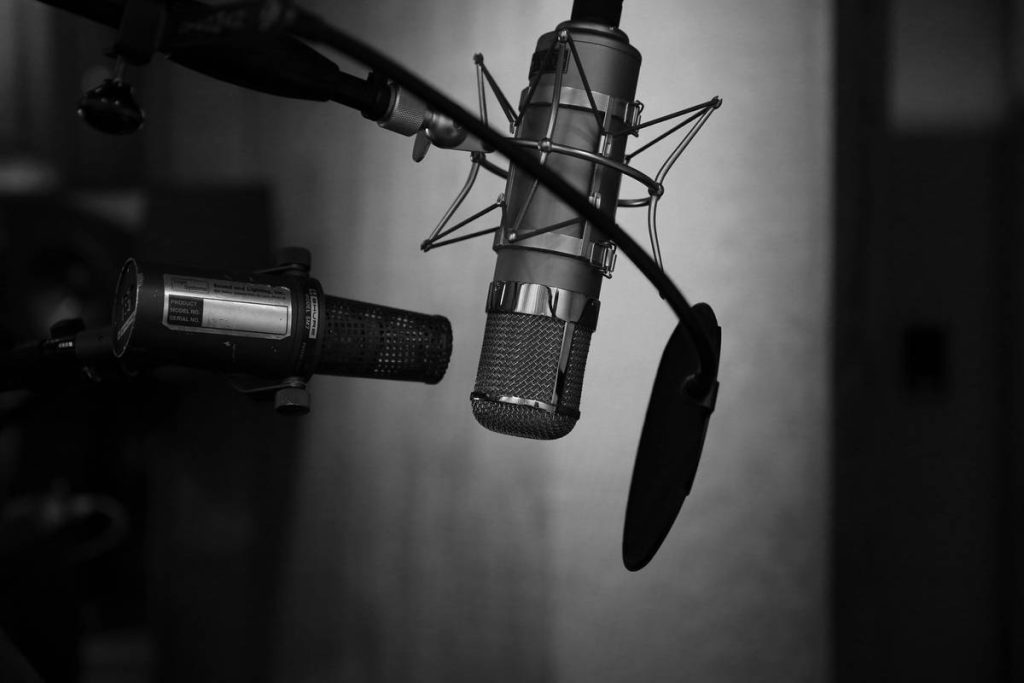
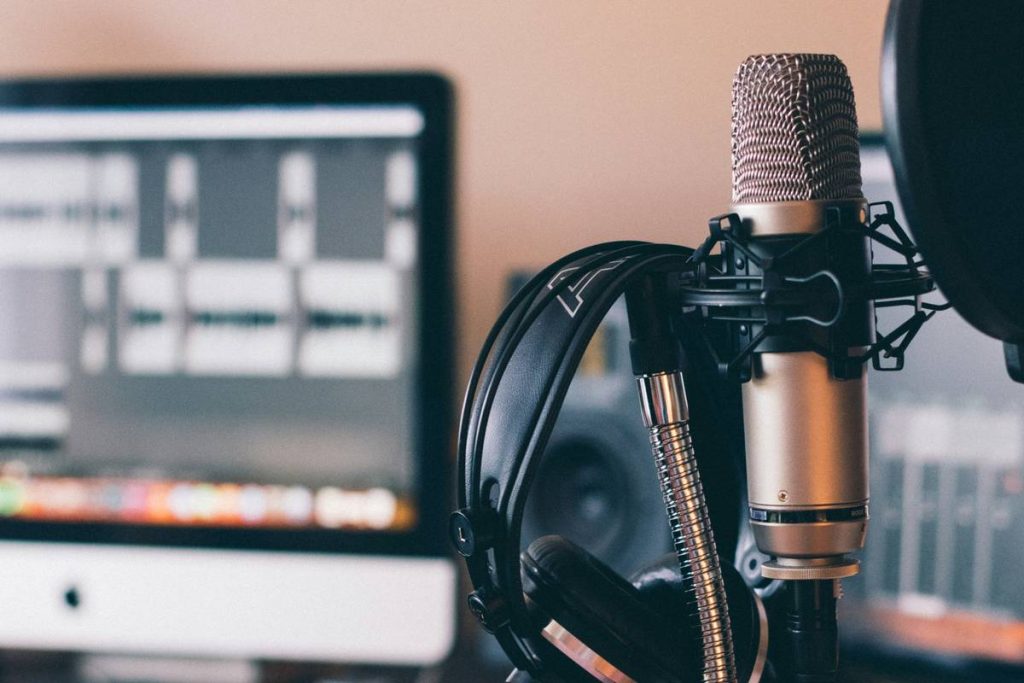
For most beginners, a dynamic USB microphone like the Shure MV7 or Samson Q2U offers excellent vocal clarity without demanding perfect room acoustics. Condenser mics (like the Audio-Technica AT2020) are more sensitive—they capture nuance but also ambient noise, making them tricky in untreated spaces.
Choose Reliable Headphones
Closed-back headphones prevent sound leakage during monitoring. The Sony MDR-7506 or Audio-Technica ATH-M20x are industry standards under $100. Never use earbuds—they lack frequency accuracy needed for editing.
Select Editing Software
Start with free tools: Audacity (cross-platform) or GarageBand (Mac-only). Both support noise reduction and basic leveling—enough to clean up beginner recordings.
Pro Tips and Pitfalls
- Record in a small, carpeted room: Soft surfaces absorb reflections. A closet full of clothes? Perfect makeshift booth.
- Use a pop filter: It costs $10 and eliminates harsh plosives (“p” and “b” sounds) that distort recordings.
- Avoid this terrible tip: “Just boost your mic gain in post.” Cranking gain amplifies background hiss. Record hot (loud but not clipping) at the source instead.
- My pet peeve: Creators obsessing over XLR vs. USB before nailing mic technique. Position matters more than connector type early on. Hold your mic 4–6 inches from your mouth, slightly off-axis.
Real Results from Simple Setups
One educator I worked with—a high school teacher launching a film history podcast—used only a Shure SM58 (XLR), a Focusrite Scarlett Solo interface, and free Audacity software. After treating her home office with moving blankets, she achieved broadcast-quality audio. Within three months, her listener retention jumped 45%, per Spotify for Podcasters analytics. This proves that a lean podcast equipment list for beginners can yield professional results when paired with smart technique.
For benchmark data on audio perception, refer to the National Institutes of Health’s research on auditory processing.
Frequently Asked Questions
What’s the cheapest podcast equipment list for beginners?
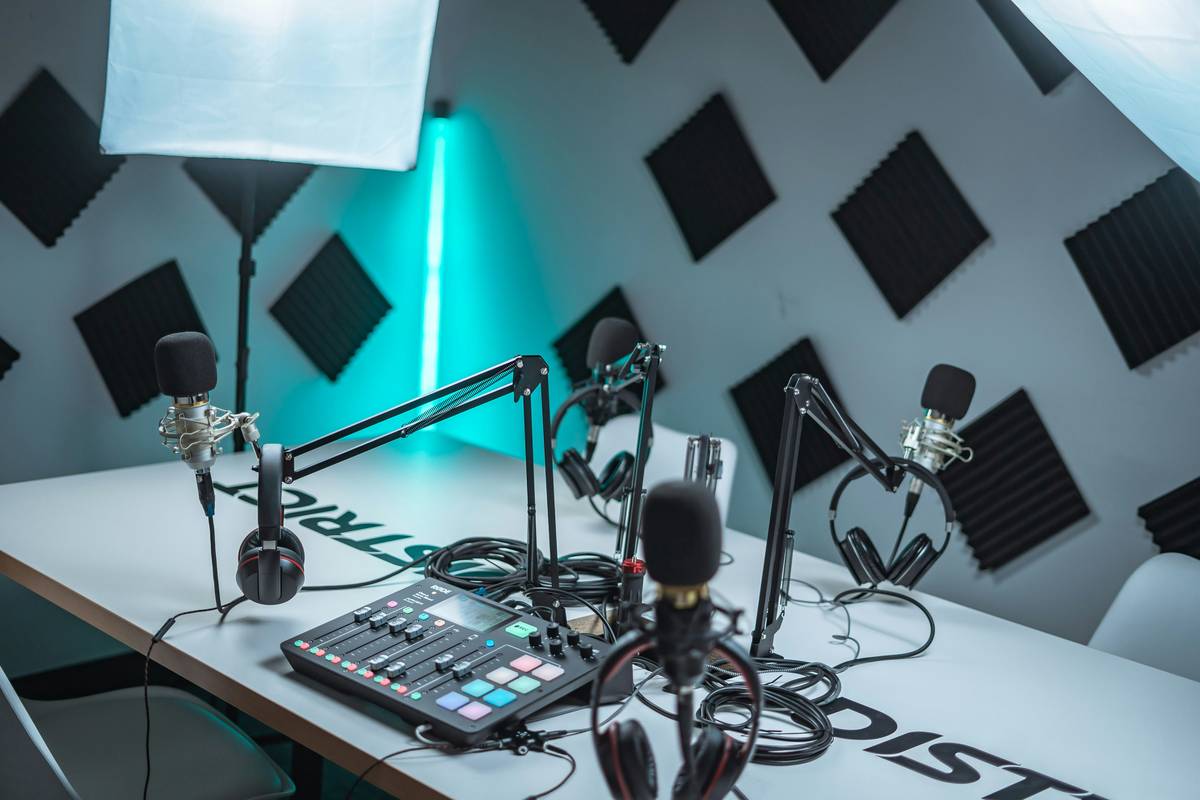
A functional starter kit includes: a dynamic USB mic ($60–$100), closed-back headphones ($50–$80), a pop filter ($10), and free editing software. Total: under $200.
Do I need an audio interface?
Only if using XLR microphones. USB mics plug directly into computers—no interface needed.
Can I use AirPods for podcasting?
No. Consumer earbuds lack accurate sound reproduction, making editing decisions unreliable.
How often should I replace podcast gear?
Quality microphones last decades. Upgrade only when your skill outpaces your current setup’s limitations—not because of shiny new models.
Where can I learn more about our team’s approach?
Visit our About Us page to understand our hands-on experience in media production education.
Conclusion
A great podcast equipment list for beginners isn’t about specs—it’s about eliminating distractions so your knowledge shines. Start simple, prioritize clarity over complexity, and never confuse gear with growth. Got questions about building your studio? Reach out via our Contact Us page. And remember: every legendary podcaster started with one mic, one mistake, and one lesson learned. Before sharing personal info, review our Privacy Policy to stay informed.
Good audio isn’t heard—it’s felt. And feeling builds trust.