You’re ready to launch your podcast. You’ve got killer content, a loyal audience in waiting—and then reality hits. Your first test recording sounds like it was captured inside a tin can during a thunderstorm. Cheap mics, echoey rooms, and glitchy software turn passion into frustration. But here’s the fix: with the right online podcast recording equipment, you can nail broadcast-quality audio from your bedroom—no $5K studio required.
Why Most “Starter Kits” Fail Podcasters
Big-box retailers love bundling USB mics, flimsy stands, and generic pop filters into “podcast kits.” They look complete. They’re not. USB mics bottleneck your signal chain—they compress before you even hit editing software. Built-in preamps? Often noisy or inconsistent. And that included shock mount? Good luck surviving more than three mic drops.
Worse, most guides ignore room acoustics entirely. No amount of gear fixes slap-back from bare walls. Yet, brands keep selling convenience over quality. The result? Creators abandon projects within six episodes—not for lack of ideas, but because they sound amateurish.
The Step-by-Step Guide to Choosing Real Online Podcast Recording Equipment
Forget “one-size-fits-all.” Build modularly. Start with signal integrity, then control environment, then scale.
Pick a Mic That Doesn’t Lie to You
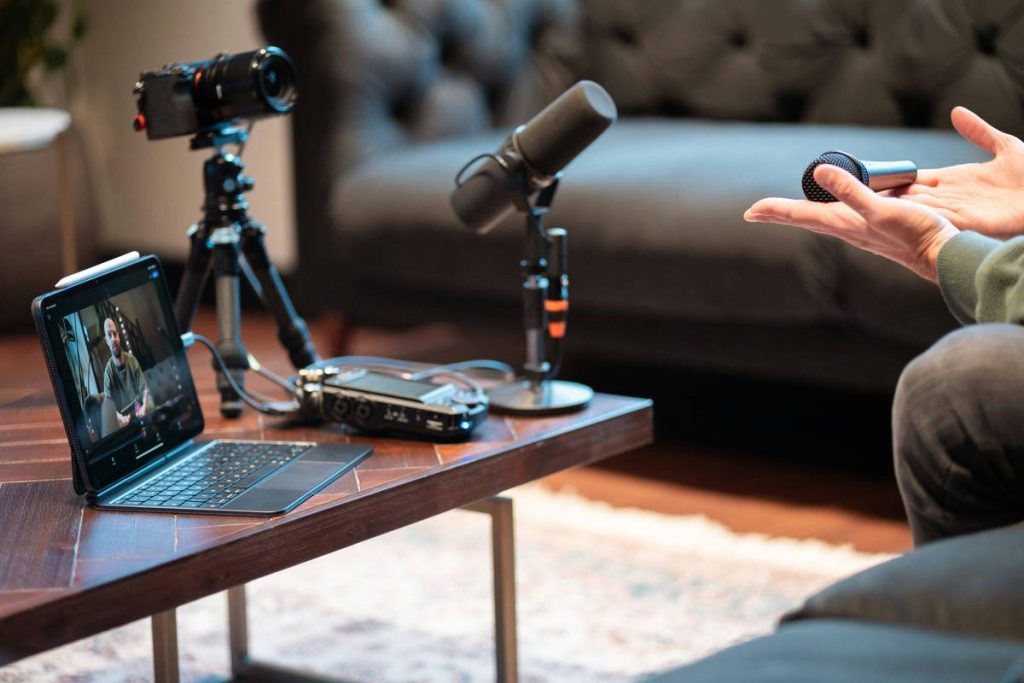
XLR condenser mics (like the Audio-Technica AT2020) deliver cleaner gain staging than USB alternatives—but only if paired with a proper interface. Dynamic mics (Shure SM7B) reject room noise better if you’re recording in untreated spaces. Your mic choice should match your physical reality, not marketing hype.
Interface Matters More Than You Think
Your audio interface is the unsung hero. Look for 48V phantom power, low-latency monitoring, and at least two clean preamps. Focusrite Scarlett 2i2 remains reliable—but newer options like the Universal Audio Volt 2 offer analog warmth emulation that saves hours in post.
Acoustics Before Aesthetics
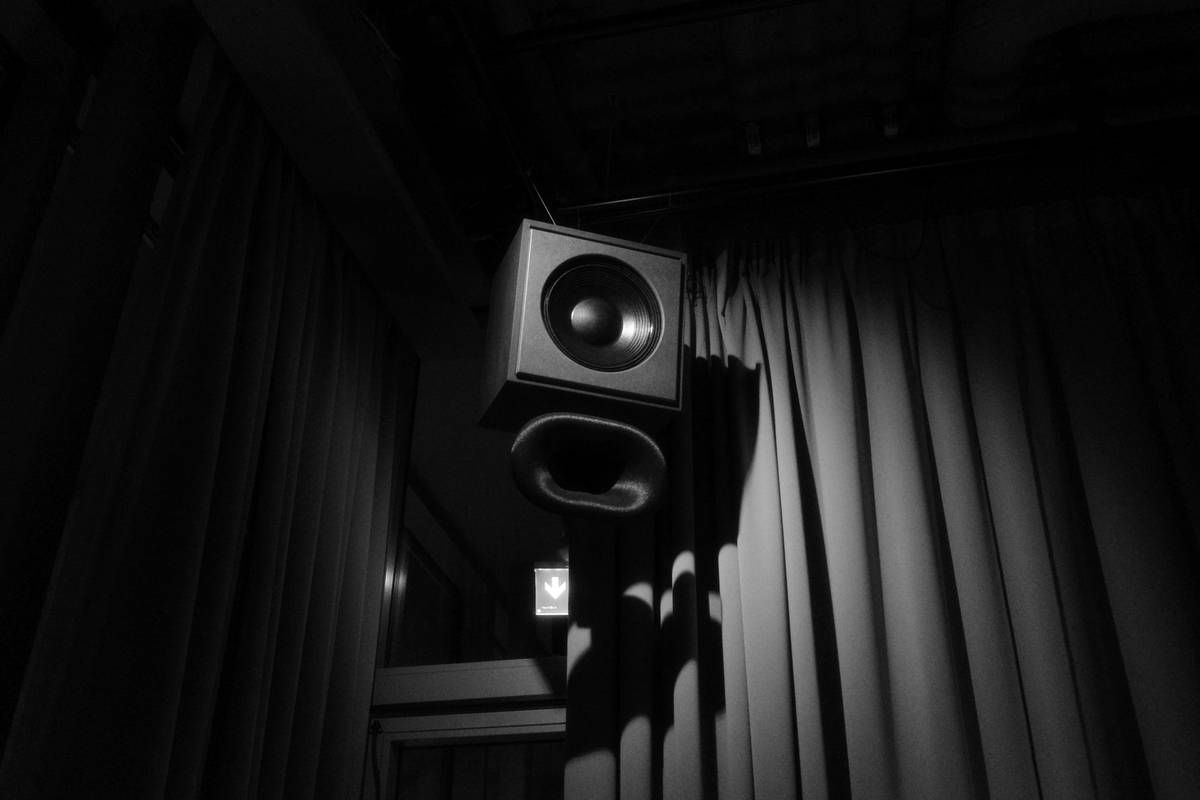
No, those foam pyramid panels won’t cut it. Bass traps in corners and thick moving blankets behind your mic reduce low-end rumble far more effectively than decorative tiles. Record close to the mic—6 to 8 inches max—to minimize ambient pickup.
Budget vs. Professional Tier Comparison
| Component | Budget Pick ($200–$400) | Pro Tier ($600–$1,200) | Key Difference |
|---|---|---|---|
| Mic | Audio-Technica ATR2100x (USB/XLR) | Shure SM7B + Cloudlifter CL-1 | Dynamic rejection vs. raw fidelity; SM7B needs clean gain boost |
| Interface | Focusrite Scarlett Solo | Universal Audio Apollo Twin X | Real-time UAD processing & superior converters |
| Monitoring | Audio-Technica ATH-M20x | Sennheiser HD280 Pro | Isolation & flat frequency response for accurate edits |
| Software | Audacity (free) | Adobe Audition + Auphonic | Automated leveling & multi-track precision |
The Industry Secret: Remote Co-Hosts Don’t Need Synced Gear
Here’s what no one tells beginners: when recording with guests across time zones, matching microphones is pointless. What matters is consistent gain structure and file format. Use Riverside.fm or SquadCast—they capture separate local WAV files per participant, bypassing internet compression entirely. You’ll get studio-grade tracks even if your guest uses earbuds. And that “perfectly matched” dual-mic setup? Overkill unless you’re in the same room. Save your cash for better headphones.
Think about it. The listener hears edited audio—not your gear list. Clean, phase-aligned tracks beat identical hardware every time.
Frequently Asked Questions
What’s the minimum online podcast recording equipment needed?
A decent XLR mic, audio interface, closed-back headphones, and free DAW like Audacity. Skip flashy bundles. Focus on signal path integrity first.
Can I use USB mics for serious podcasting?
Only if you’re solo and on a tight budget. USB mics limit gain control and future upgrades. They’re fine for episodes 1–10—but plan to move to XLR early.
Do I need soundproofing for online podcast recording equipment?
Not total soundproofing—just acoustic treatment. Reduce reflections near your mic with blankets, rugs, or portable panels. You’re fighting echo, not outside noise.